
AKI MAP SAFETY · TRIP SHARING
Share your trip
with someone you trust.
Create a trip before you leave and send its private web link to a trusted contact. While you hike, your phone can send location updates. Contacts can view the route and status without installing the app or signing in.
Availability depends on the Aki Map app version and service status.
Explore Aki Map →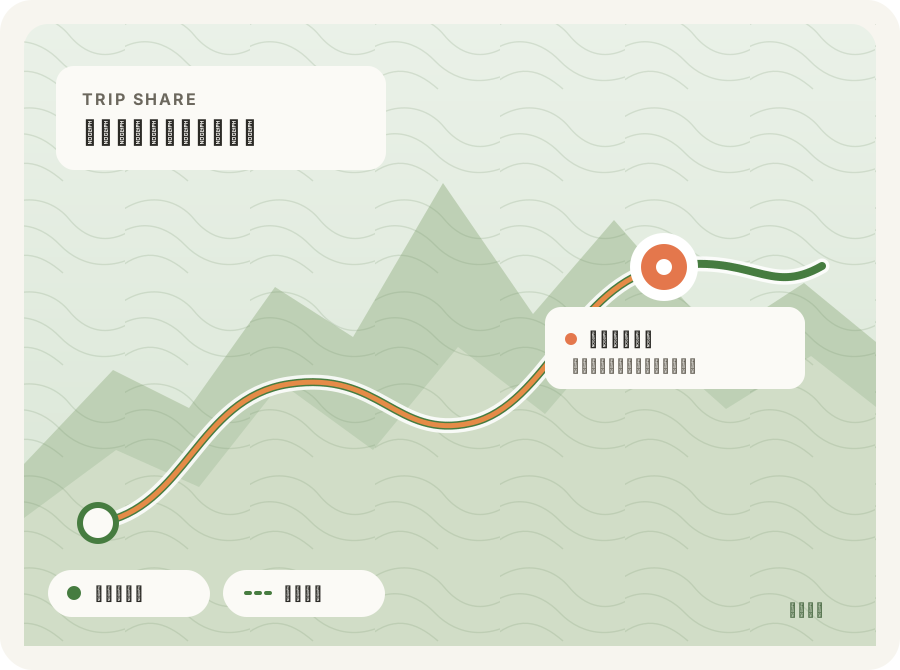
FROM TRAIL TO HOME
From planning to a safe return
Share the plan, location updates, and trip status in one place.
Create your trip
Enter a trip name and planned times. Review the data notice and consent before creating a trip.
Agree on a plan before leavingSend the link
Use the iOS share sheet to send the private URL. Contacts can open it in a browser without an account.
Share only with trusted peopleSend updates while hiking
When location and network are available, the app uploads your location at the time or distance interval you choose (about every 10 minutes by default). The page shows the latest update it has received.
Updates can queue offlineWHAT YOUR CONTACT SEES
A clear view of trip status
The page shows the planned route, reported track, latest position, and trip status. It checks for updates about every 30 seconds.
- Planned route and reported track
- Latest position and update time
- Whether the trip is active, finished, or overdue
- Guidance for emergency situations
WHEN THE SIGNAL FADES
No signal means no live location
In areas without a network, the app keeps location points and uploads them when service returns. Contacts continue to see the last location received. No new update does not necessarily mean there is an emergency, or that the hiker is still at that location.
This feature does not send alerts automatically and does not replace an emergency plan. Call 119 or 112 in an emergency.
Privacy and link access
Anyone who has the private link can view the trip. Share it carefully. Trip data is retained for a limited period and can be deleted immediately by revoking the link in the app. See the Privacy Policy for details.