
Chapter 15 of 171 topics
Restoring and Emptying
Screens may vary by app version. See Support and FAQ if you need help. Support
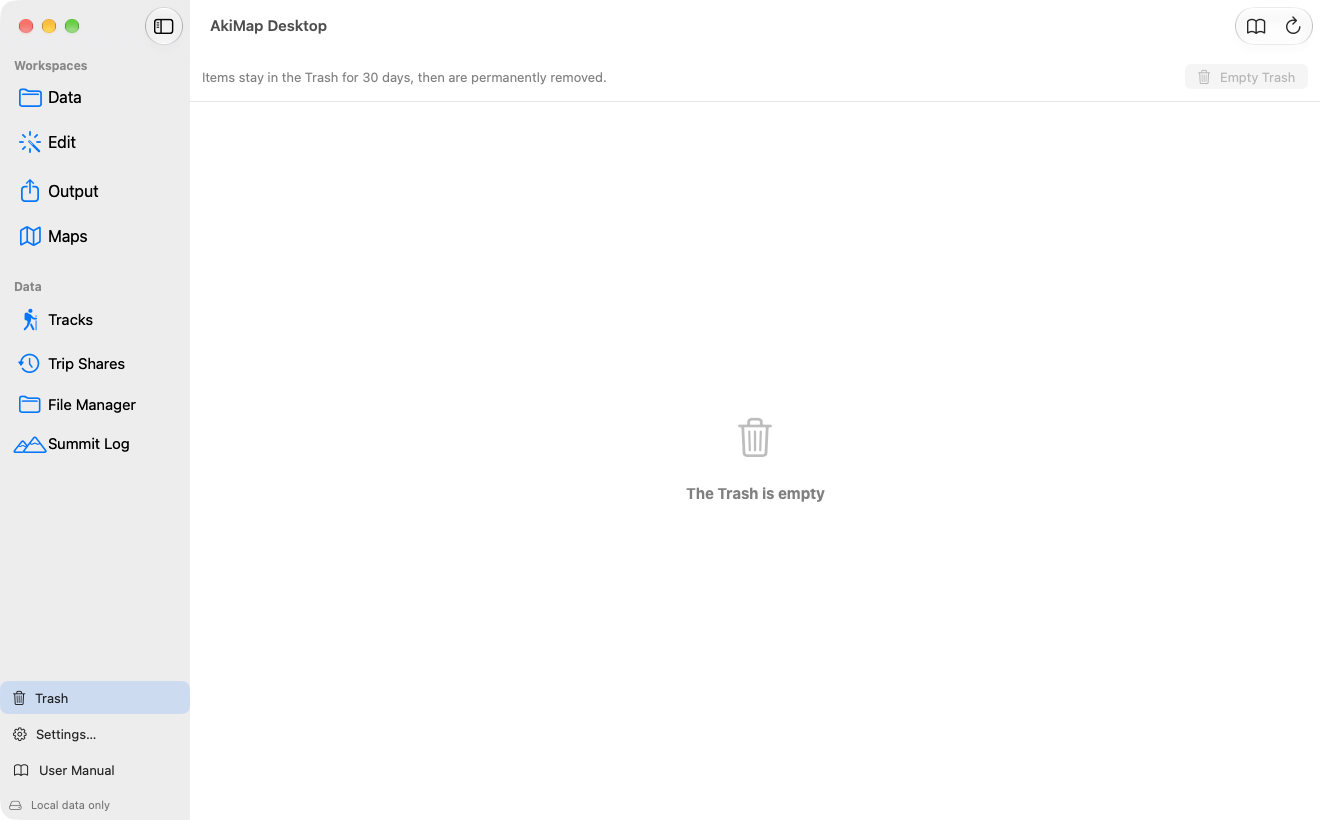
Chapter 15 · Tracks, routes, photos, voice memos and summit records deleted on the Mac or iPhone go to the Trash first and are kept for 30 days.
Screens may vary by app version. See Support and FAQ if you need help. Support
AI answers using the user guide and FAQ and may be wrong. Do not enter passwords or sensitive information. Conversations are stored; leave a message to request deletion. Call 119 in an emergency.